Place the beacon
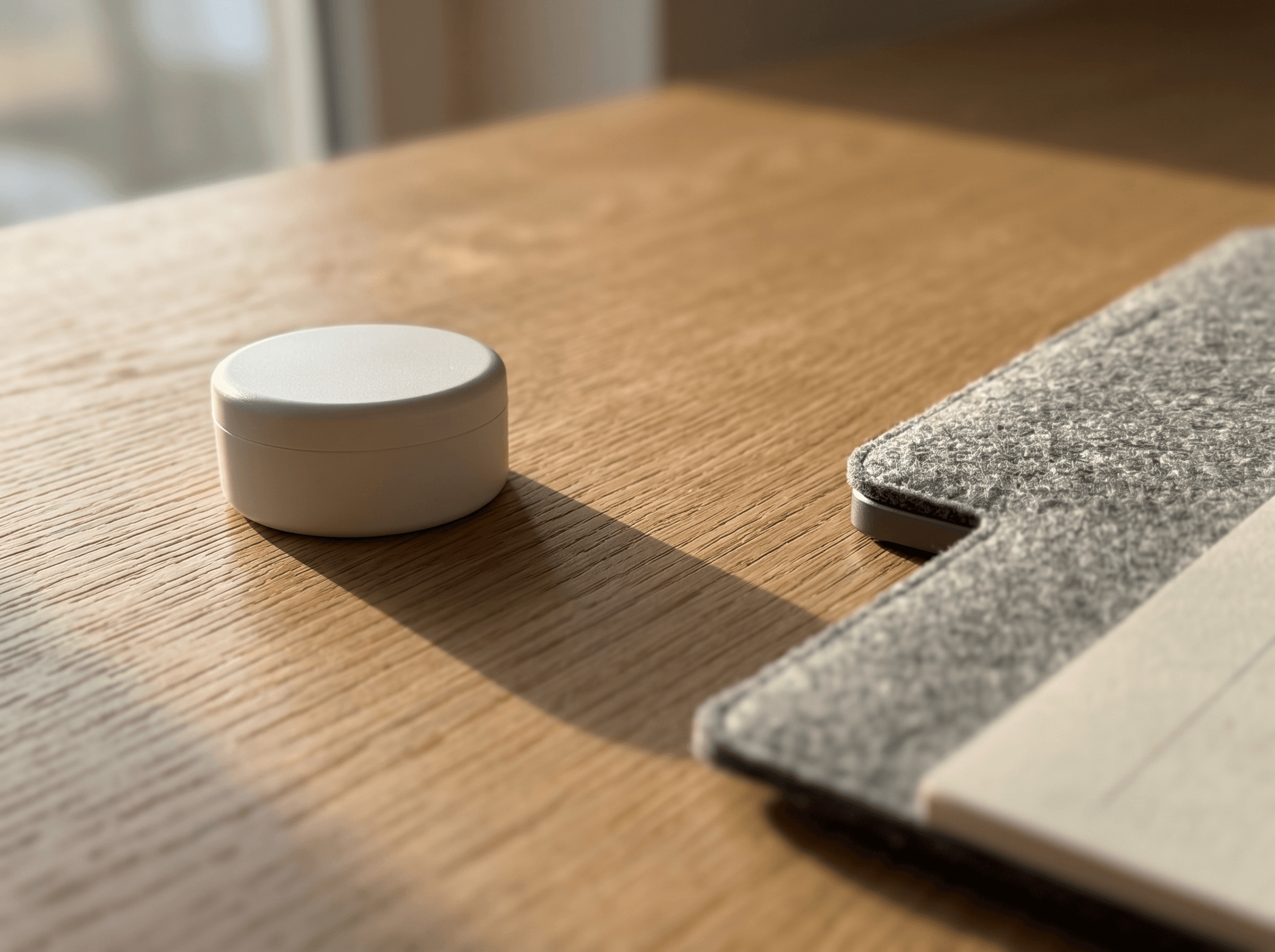
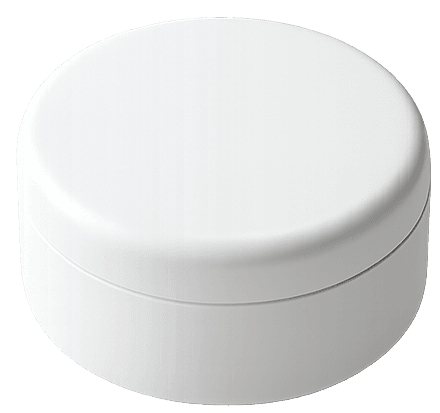
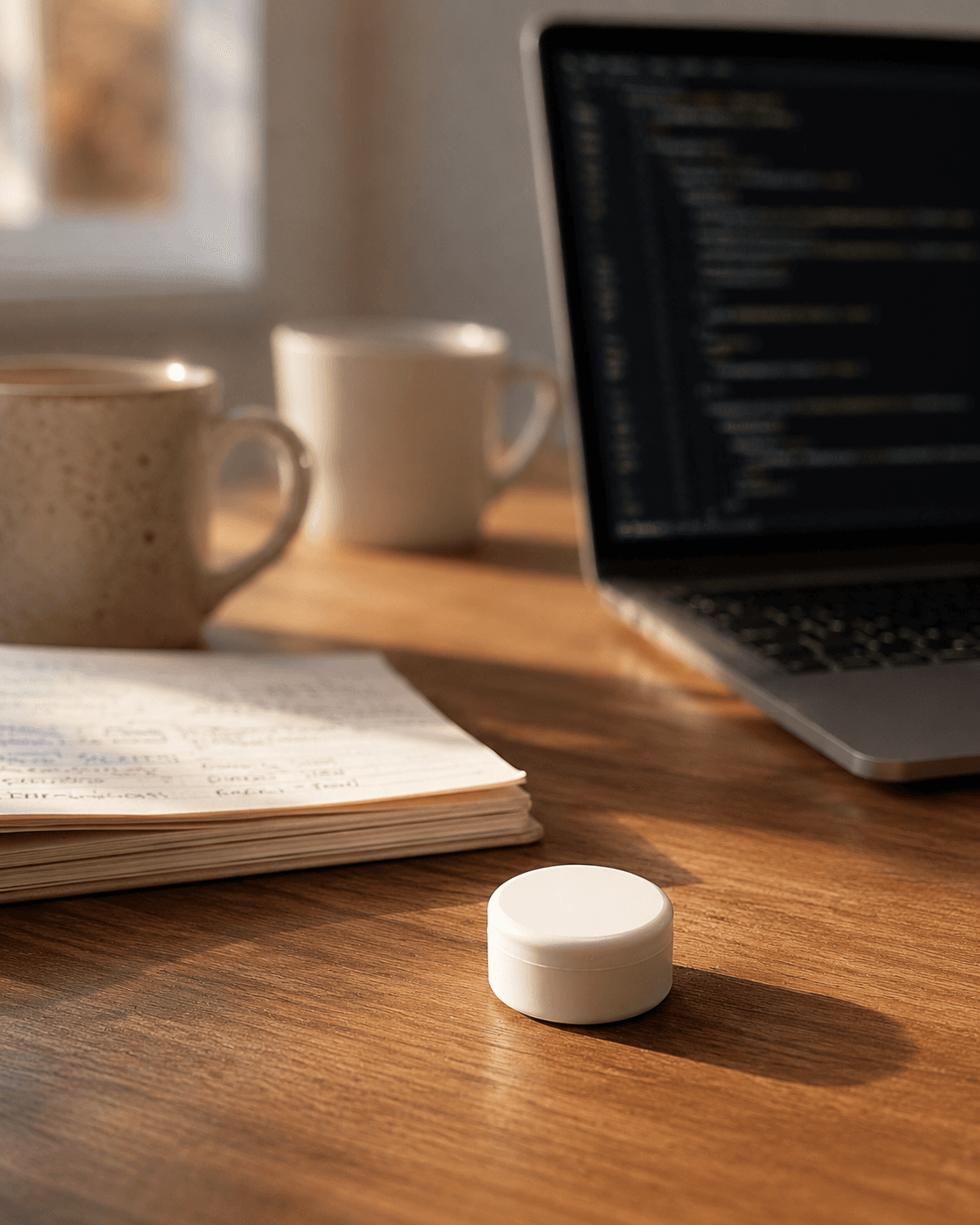
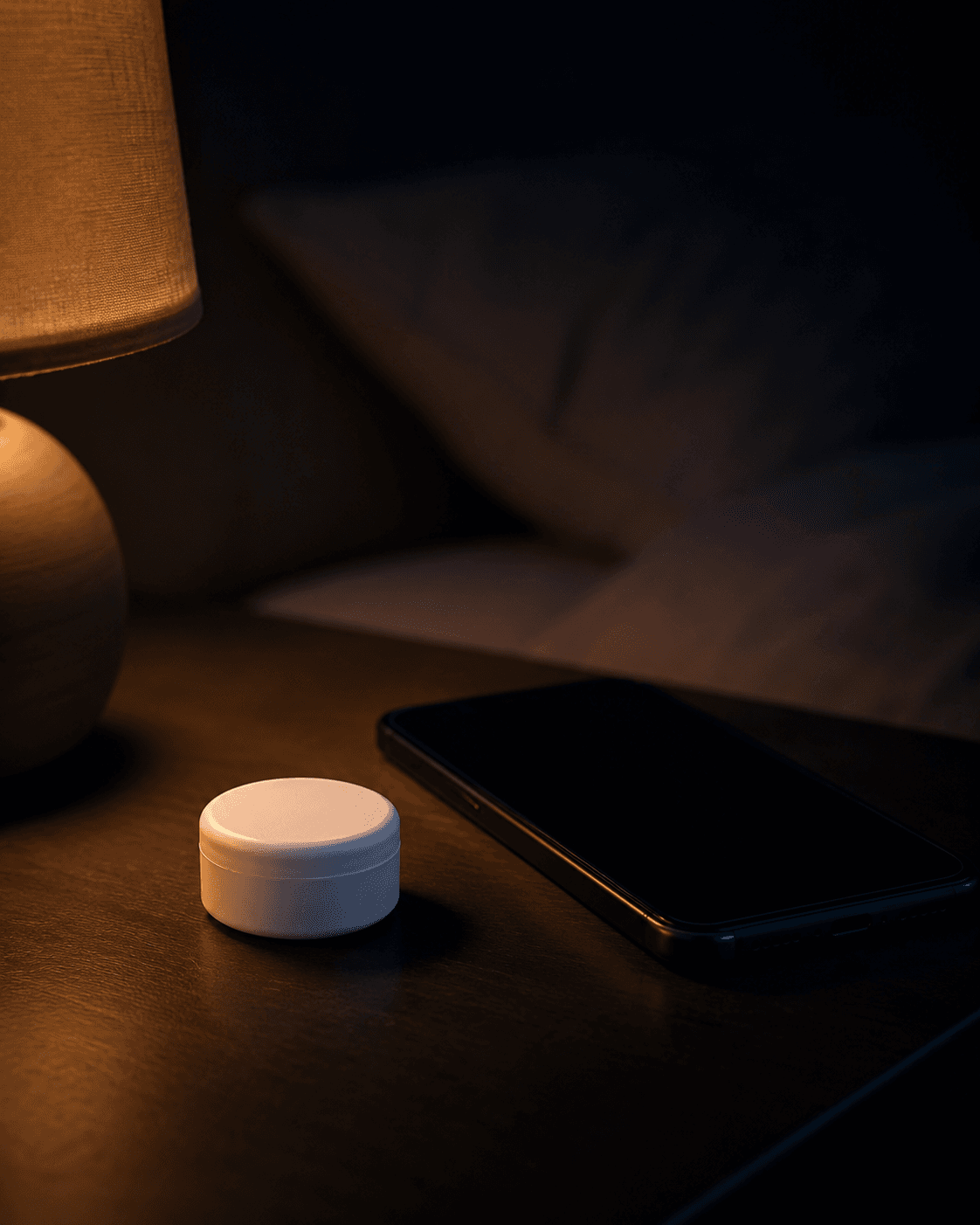
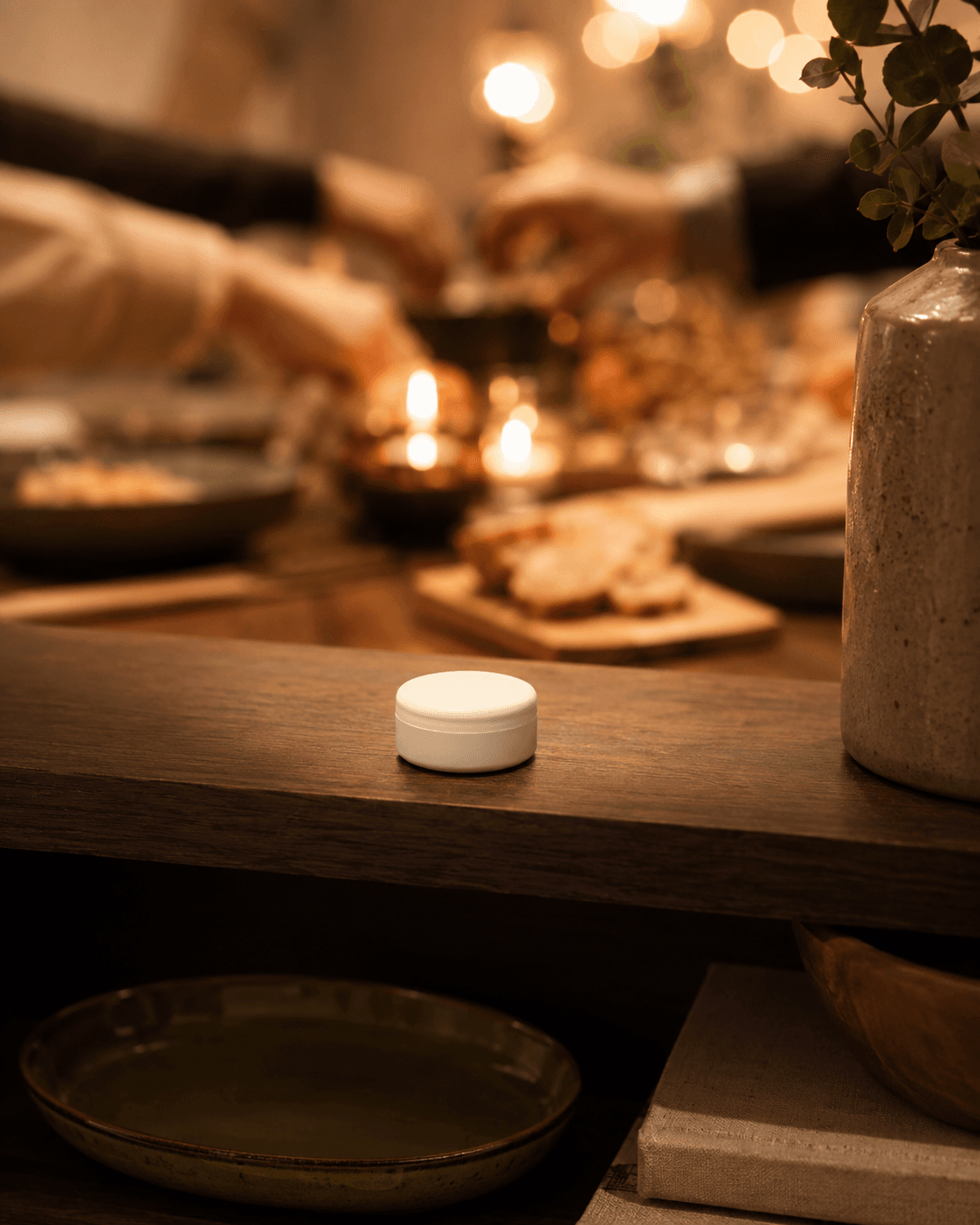
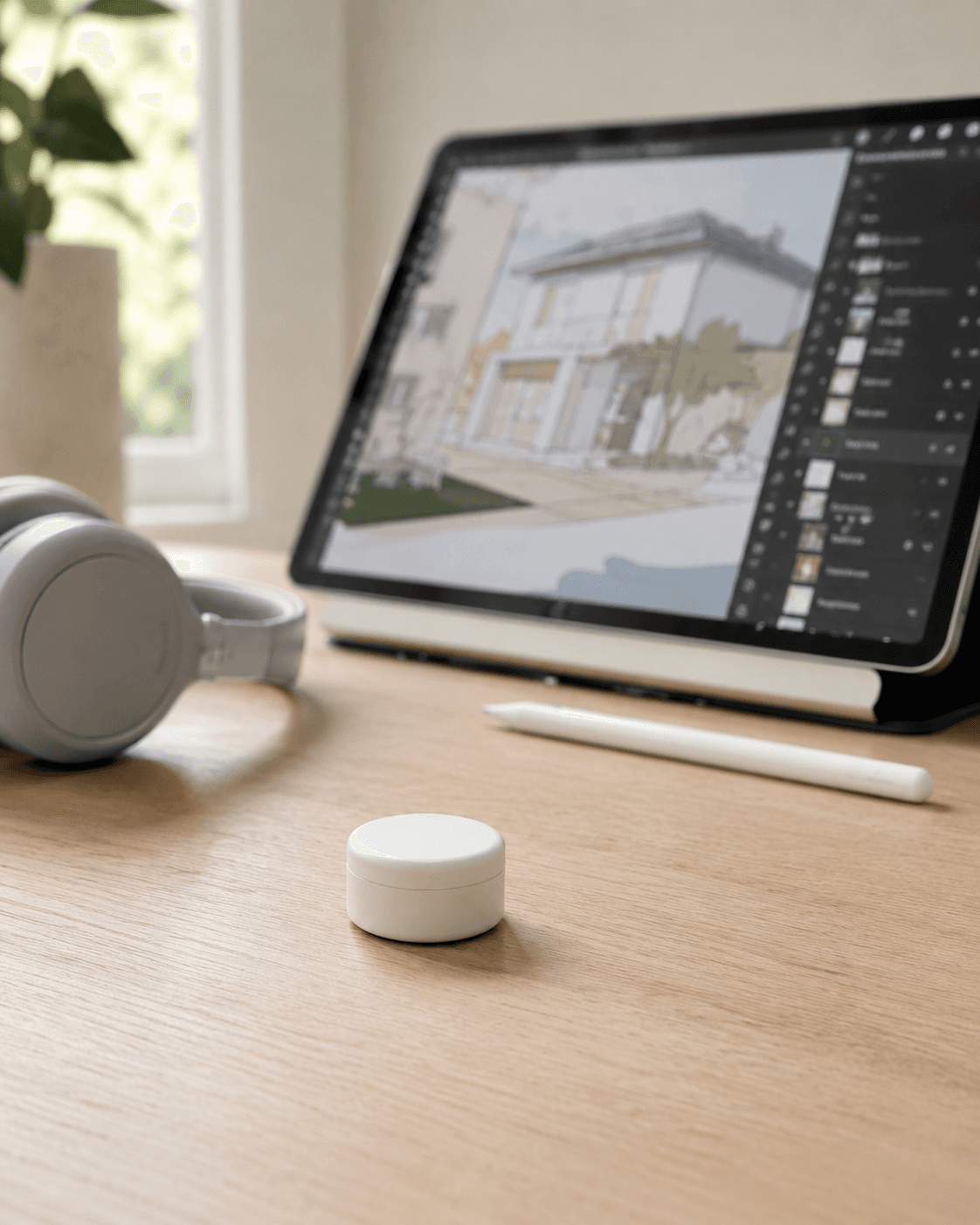
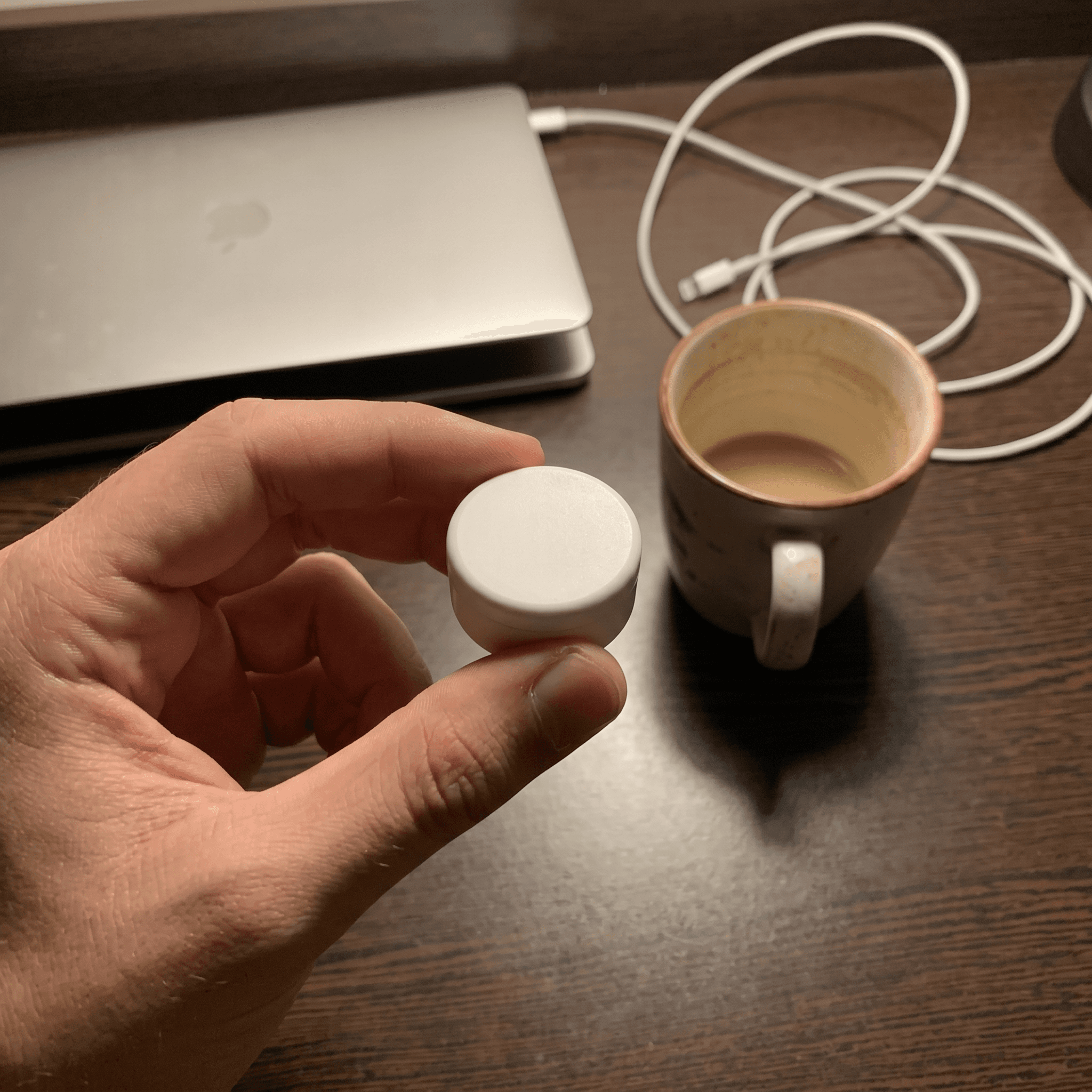
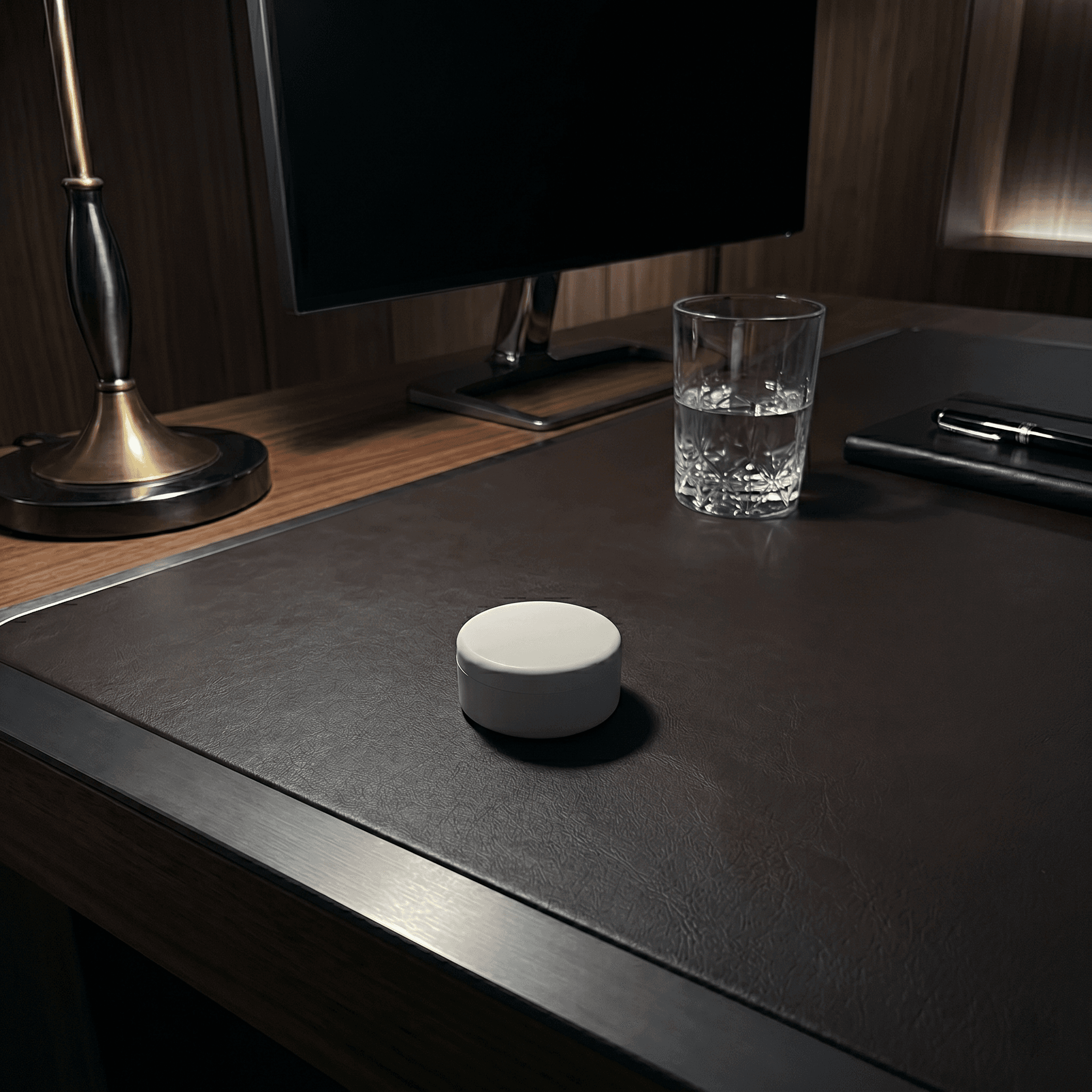
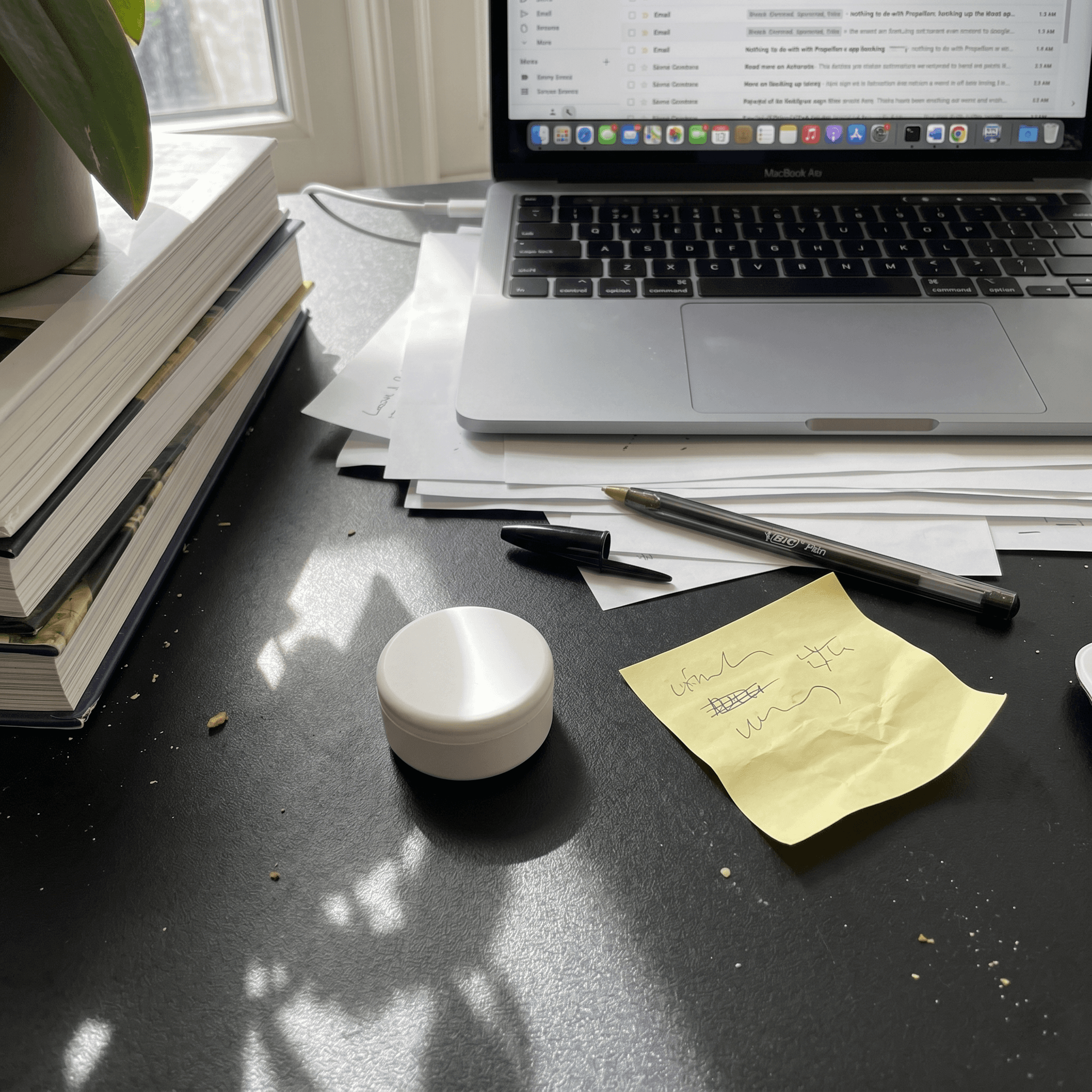
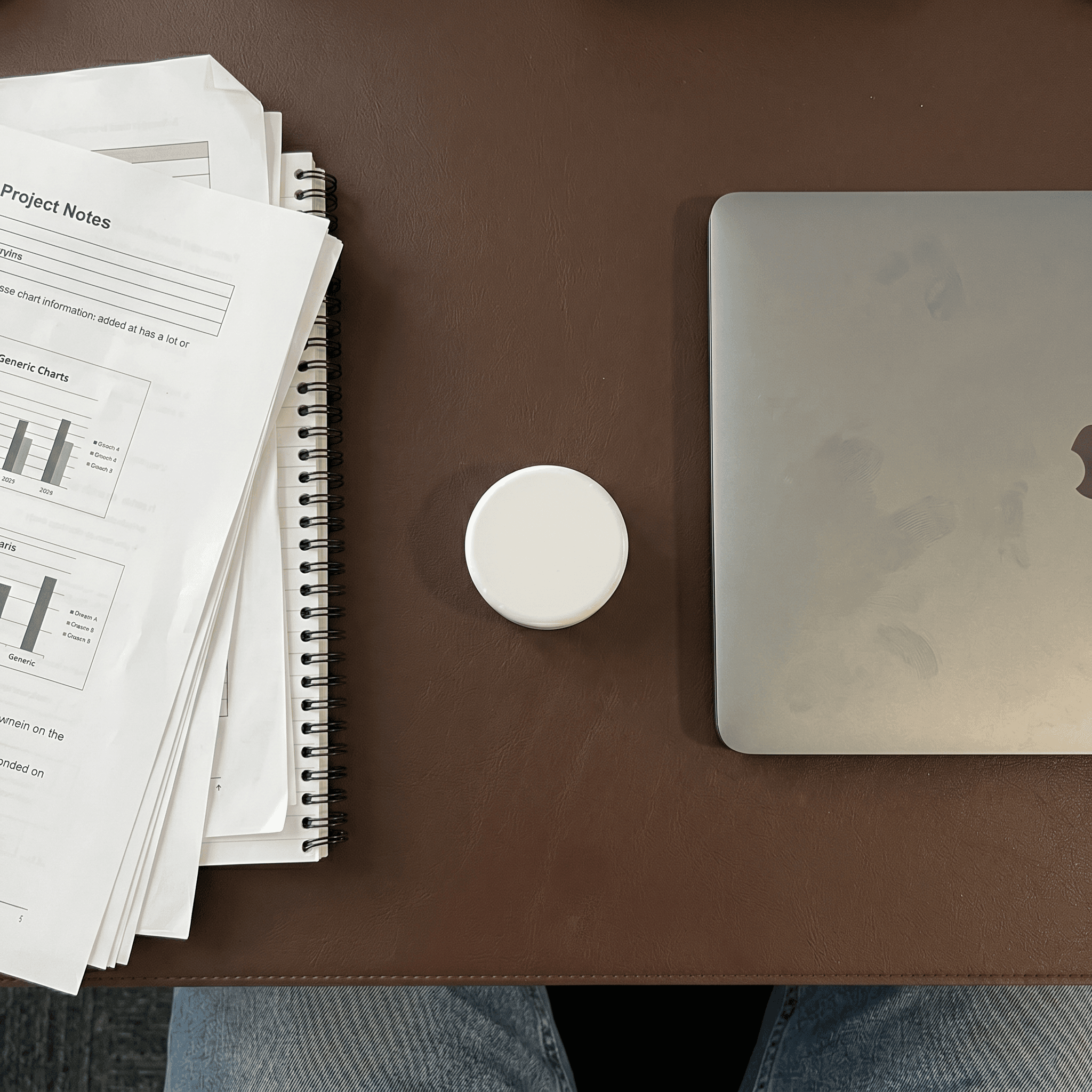
Set it on your desk. It broadcasts Bluetooth continuously. No Wi-Fi, no charging, no maintenance. Five-year battery.
Distracting apps lock automatically by proximity. Not by willpower, and not by you remembering to hit a button.
30-Day Money-Back Guarantee
Set it on your desk. It broadcasts Bluetooth continuously. No Wi-Fi, no charging, no maintenance. Five-year battery.
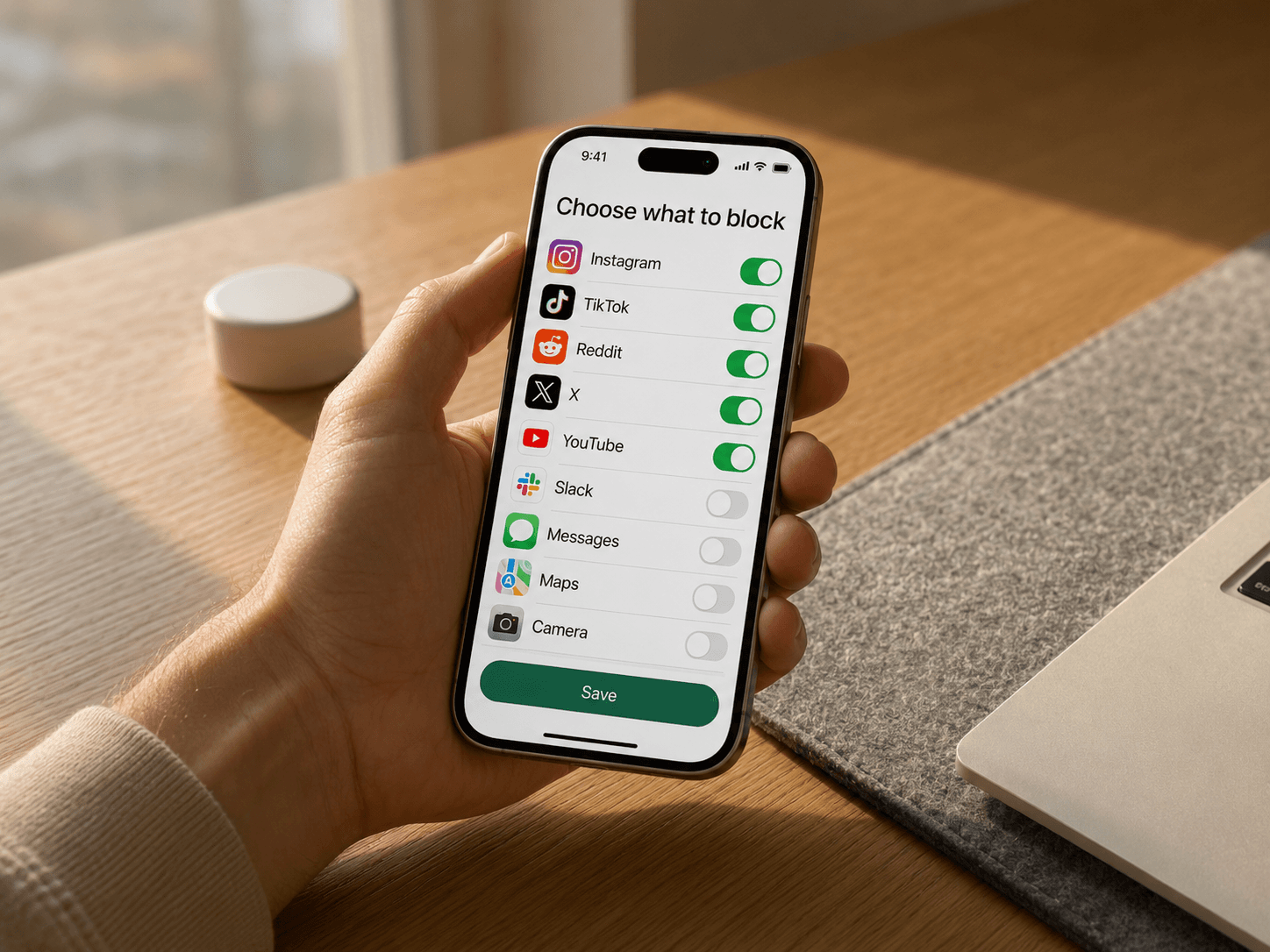
Pick the apps you want blocked, then choose when your focus zone should be active.
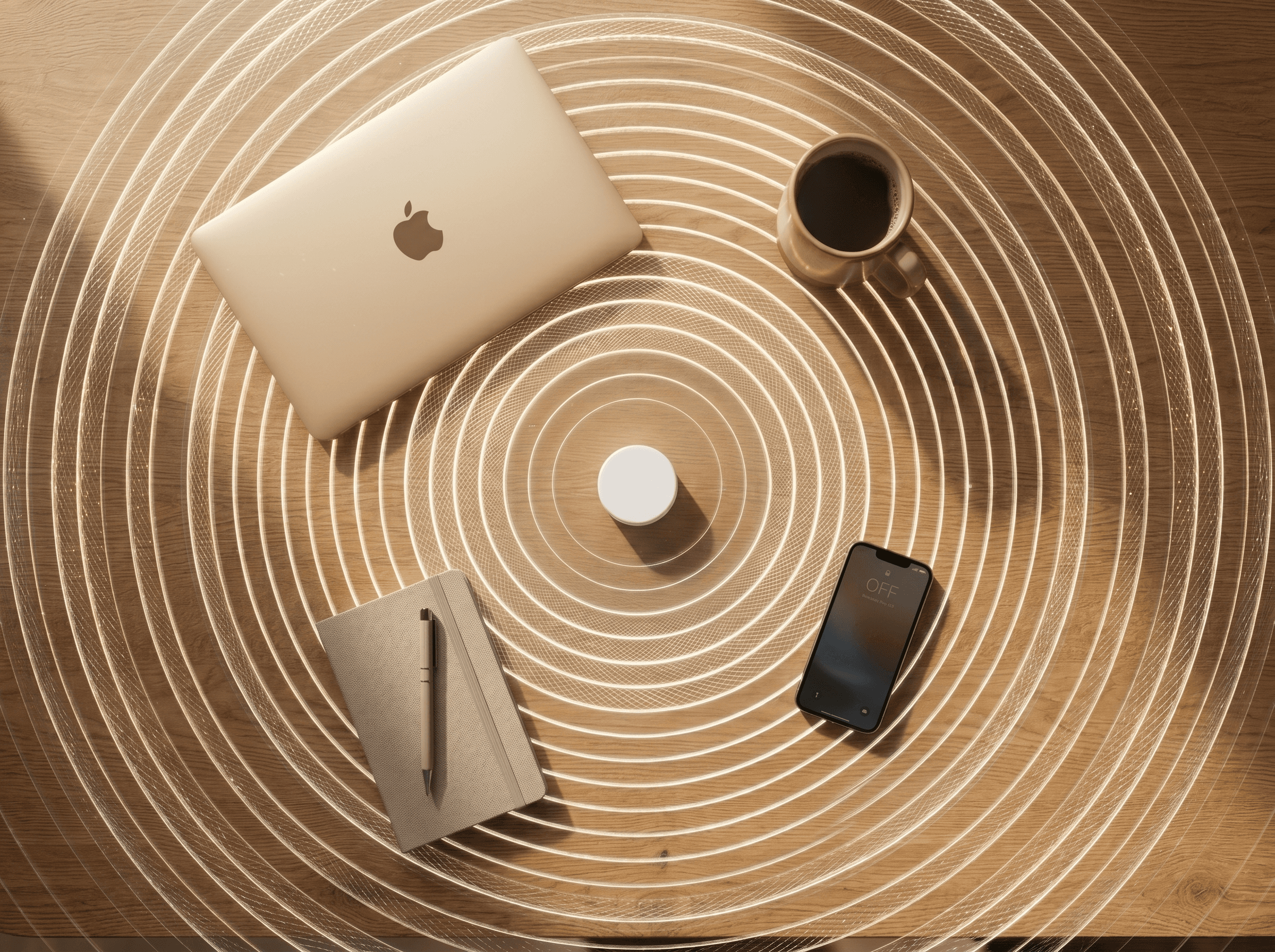
Choose how far the beacon reaches from the app. Make the zone fit your desk, office, studio, or bedroom without locking the rest of your life.
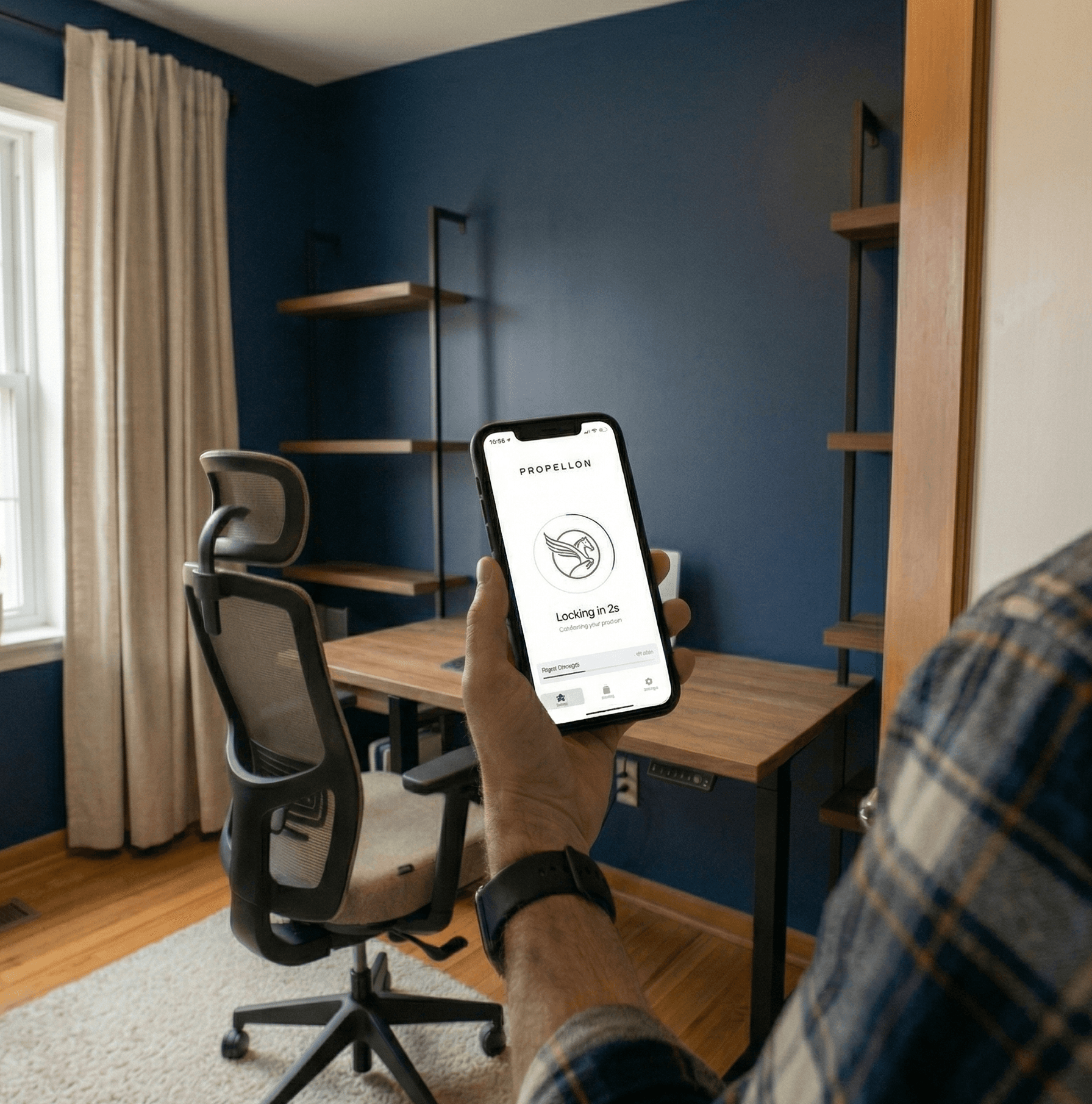
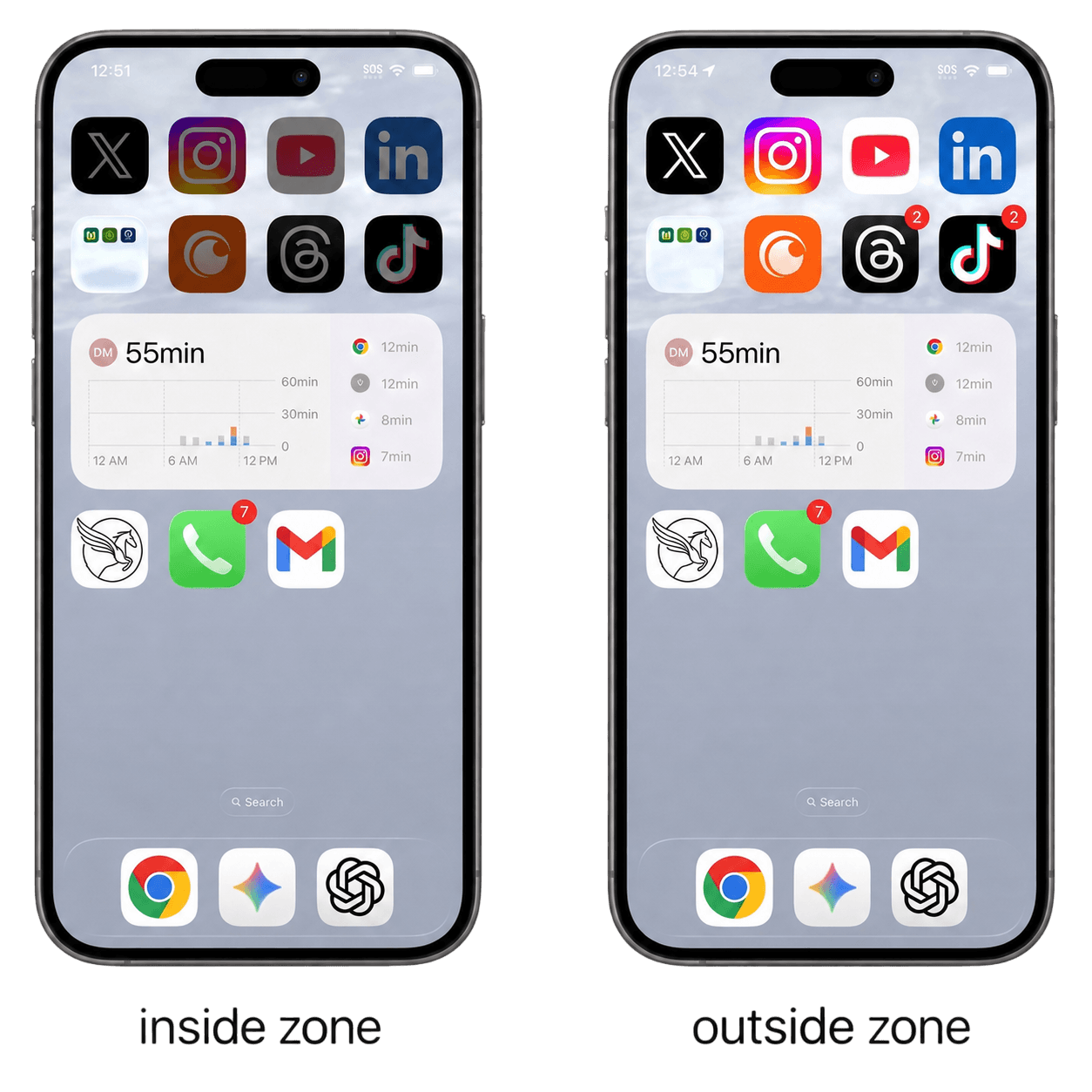
When your phone is in range of the beacon, the apps you chose are locked. Walk out of the room and they unlock. That's the entire system.
Propellon doesn't lock your phone. It locks the apps you choose. Your phone stays a phone.


Customer notes
“Just works. Sat down at my desk and my phone locked itself. Didn't have to do anything.”
“I've tried Freedom, Opal, Cold Turkey, Screen Time, you name it. Every single one failed because I could just turn them off when I wanted. This is physically different. There's no button to press. I've been using it for two months and haven't cheated once.”
“Screen Time's 'Ignore Limit' button might as well not exist. Propellon has no ignore button. When I'm at my desk, apps are gone. When I leave, they come back. That's it.”
“Honestly didn't think a little Bluetooth device would change anything. Was wrong. I never have to decide to block myself, it just happens.”
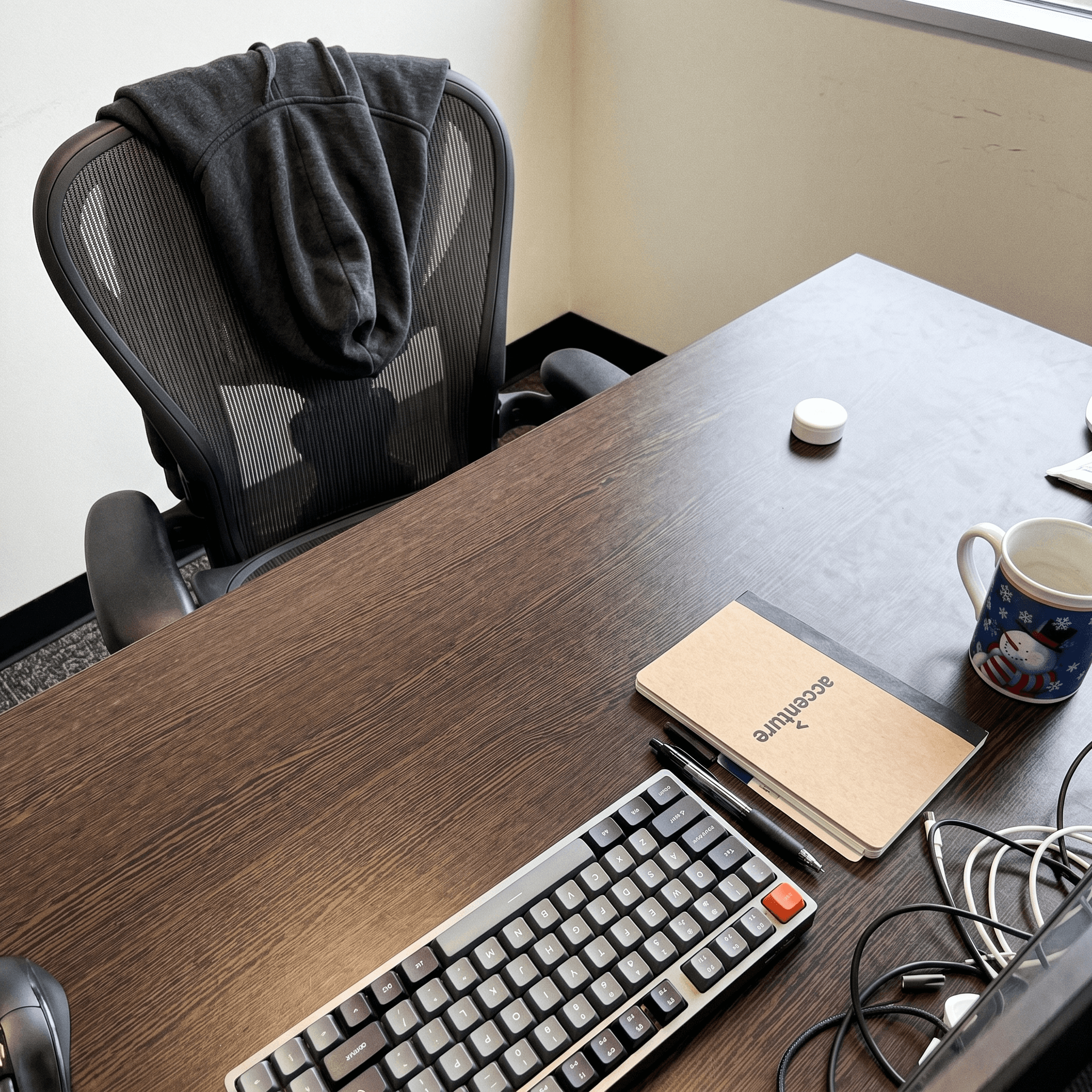
“Worth every penny. Setup took maybe 5 minutes and I haven't thought about it since.”
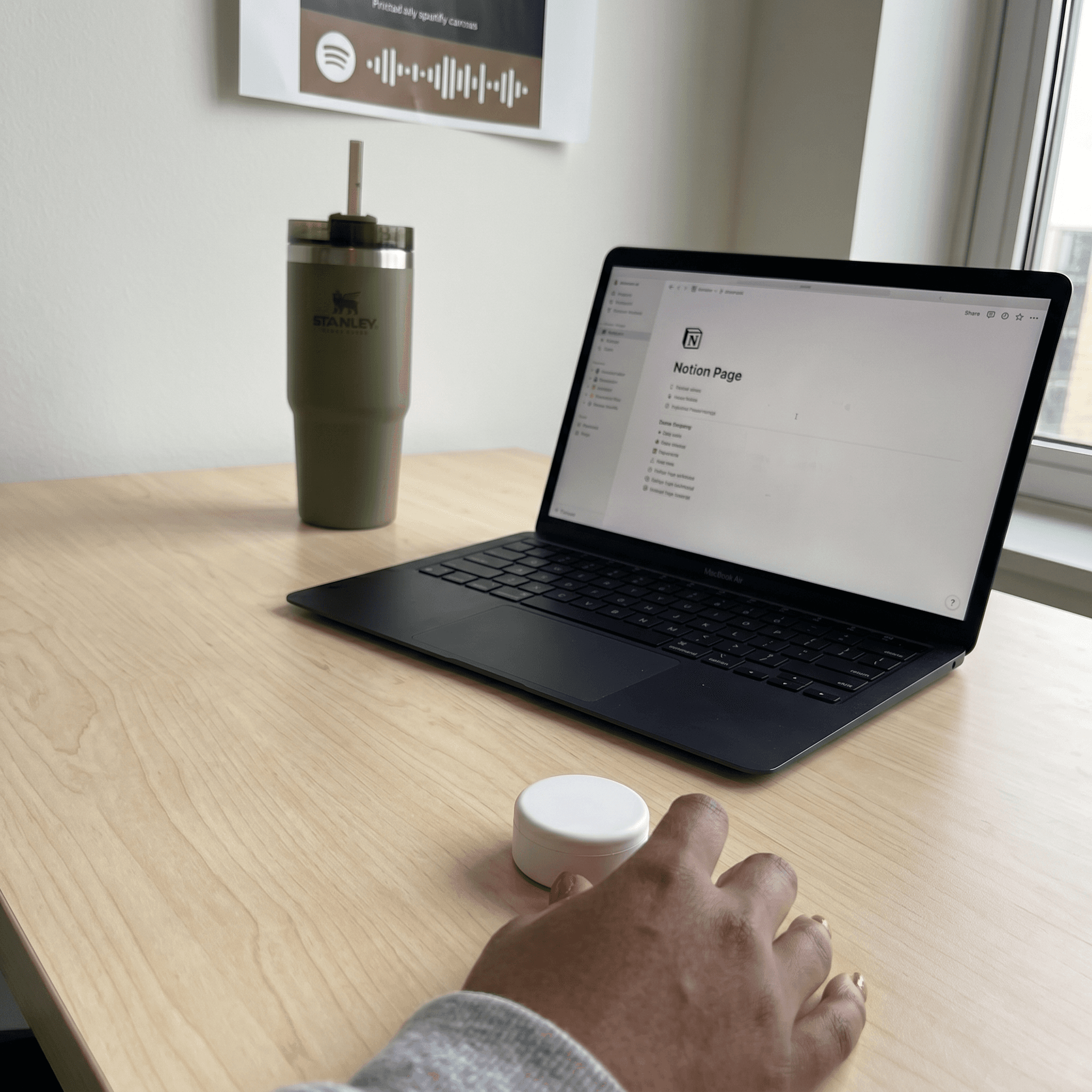
“The thing nobody talks about with app blockers is the mental overhead. You have to remember to turn them on, decide which apps, set a timer. Propellon has zero overhead.”
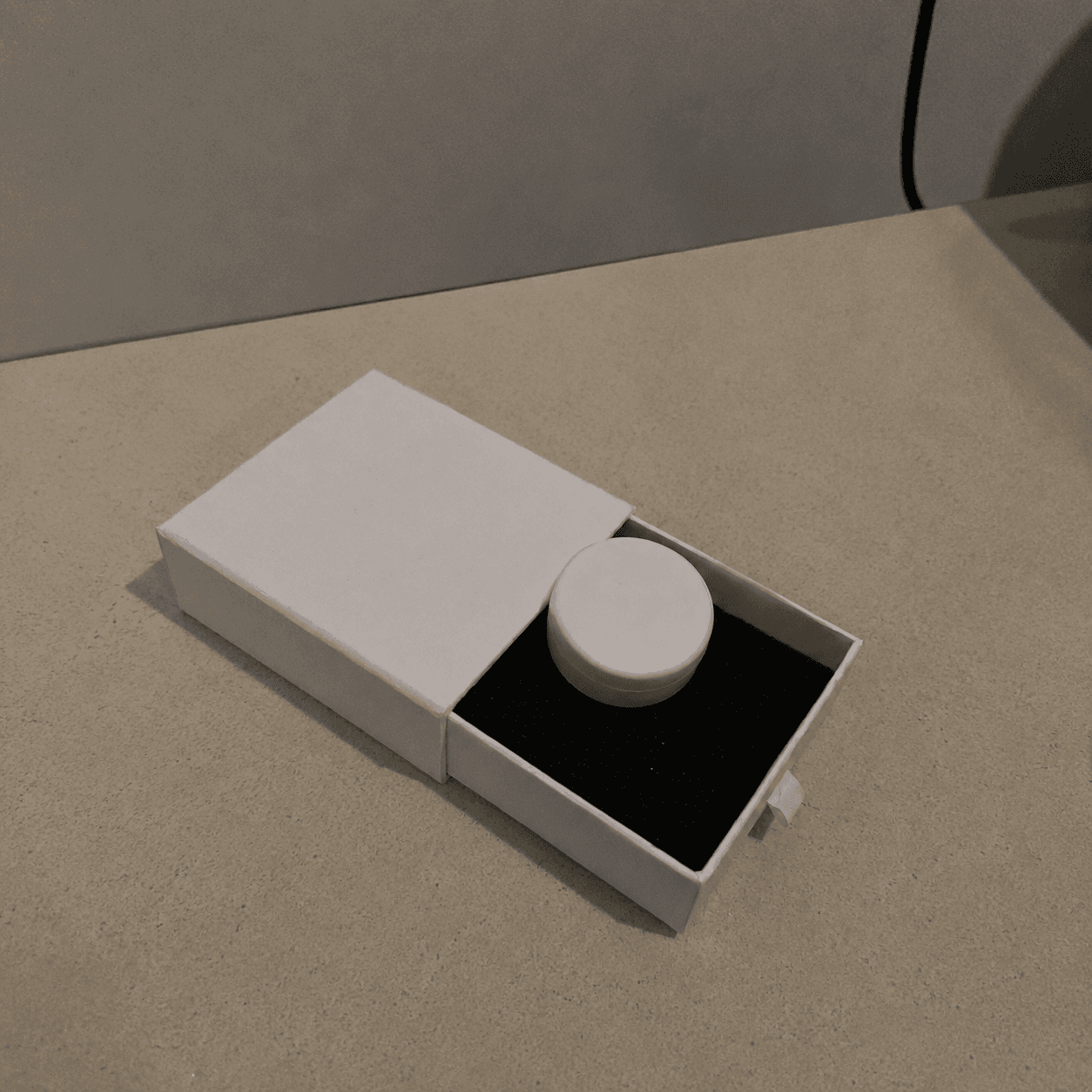
“I was skeptical. A physical beacon seemed gimmicky. But the software approach never worked for me because I always found a way around it. You can't find a way around proximity.”
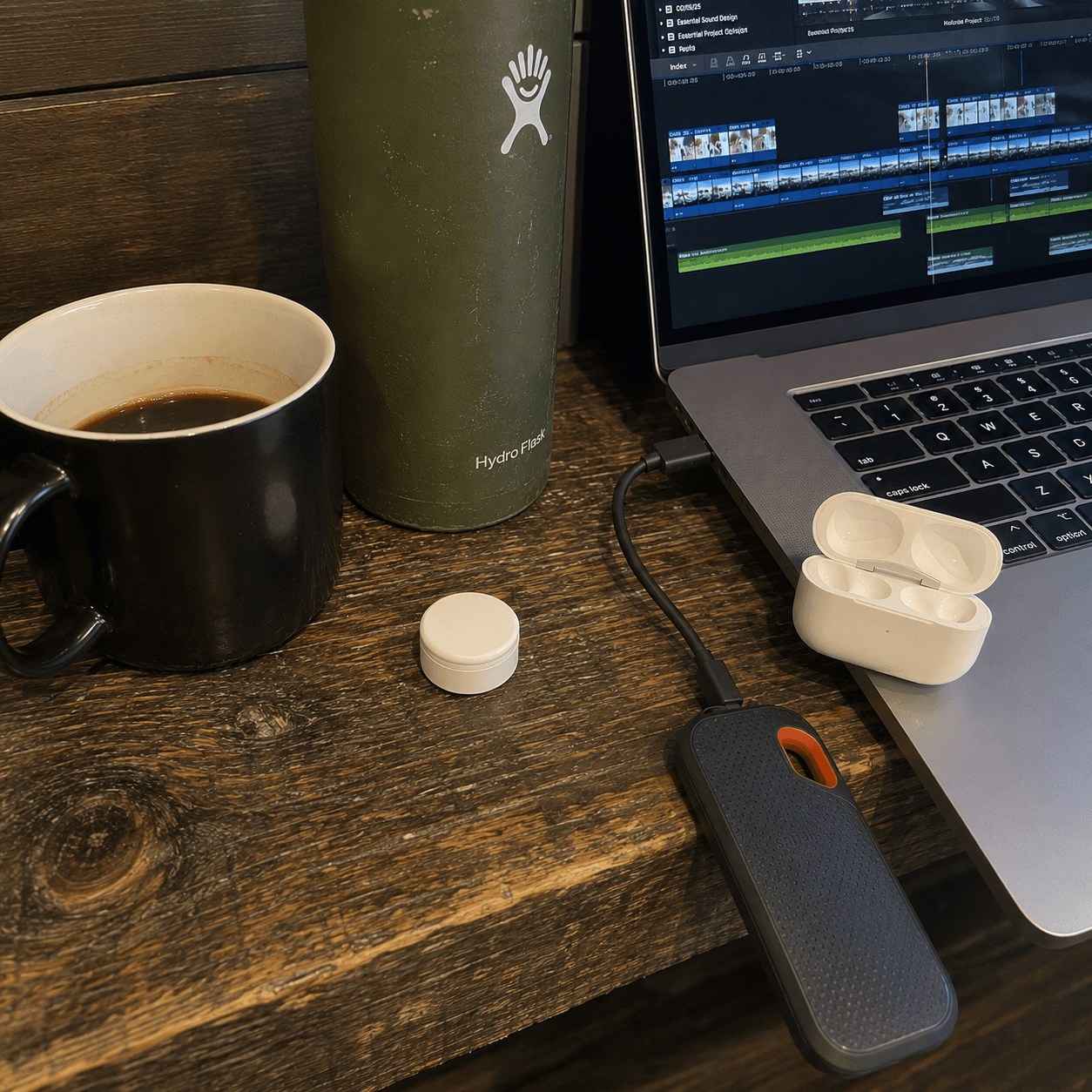
“Love that there's no subscription. Bought it, set it up, done. My desk is a focus zone now and I didn't have to do anything to maintain it.”
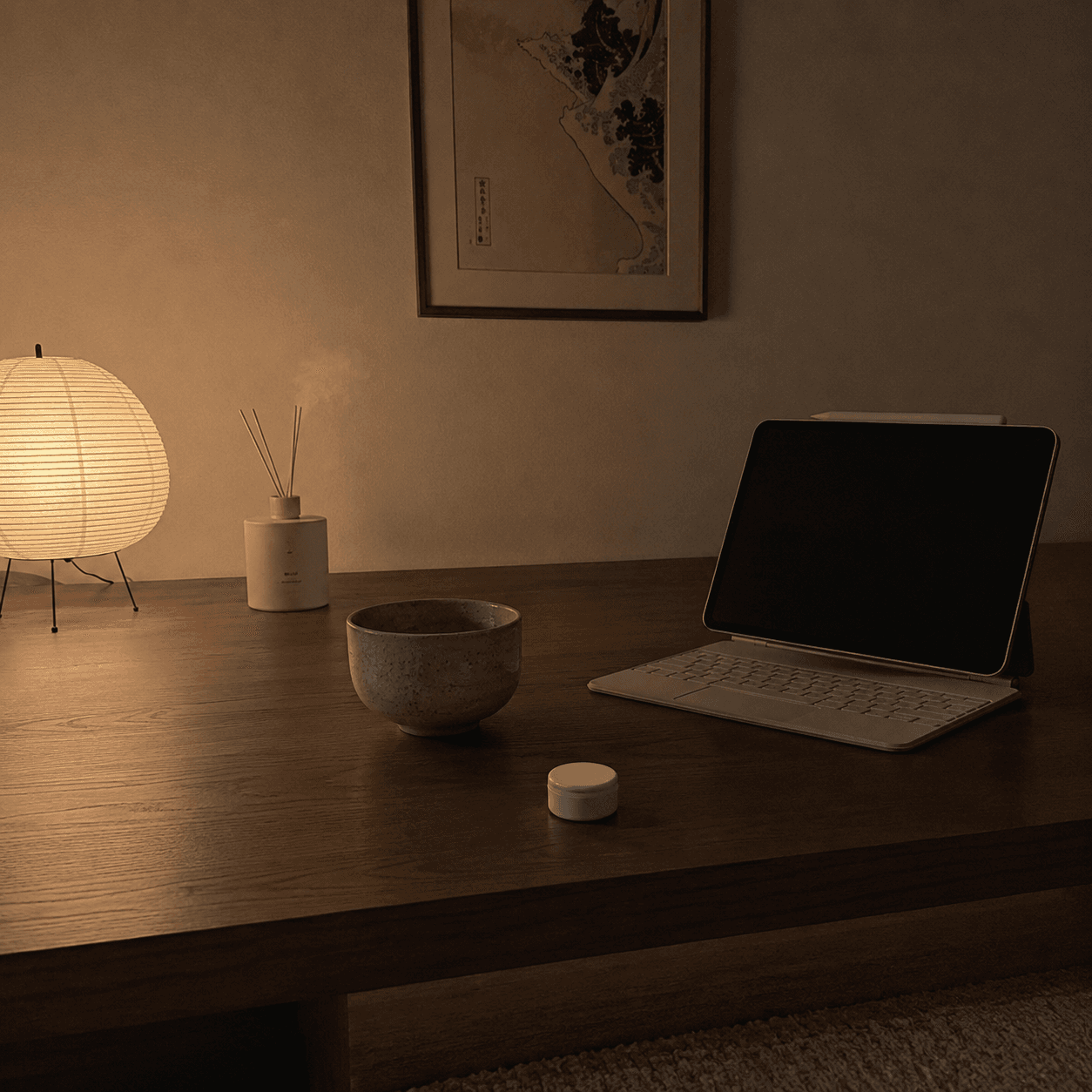
“Been recommending this to everyone in my office. The concept is so simple it's almost annoying that nobody thought of it sooner.”
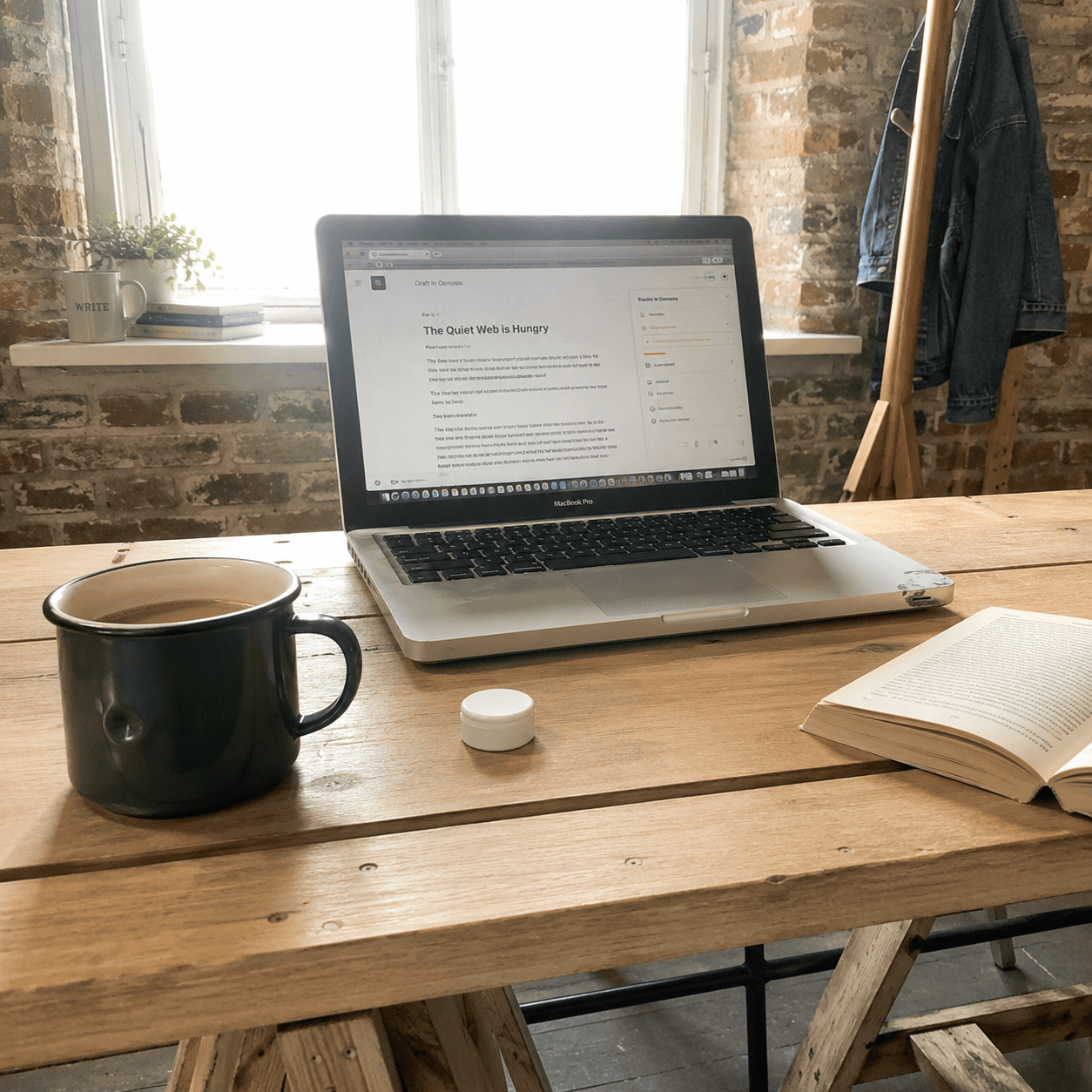
“ok so i was skeptical but i shipped my first app after like 7 weeks of actually working. been 'working on it' for over a year lol.”
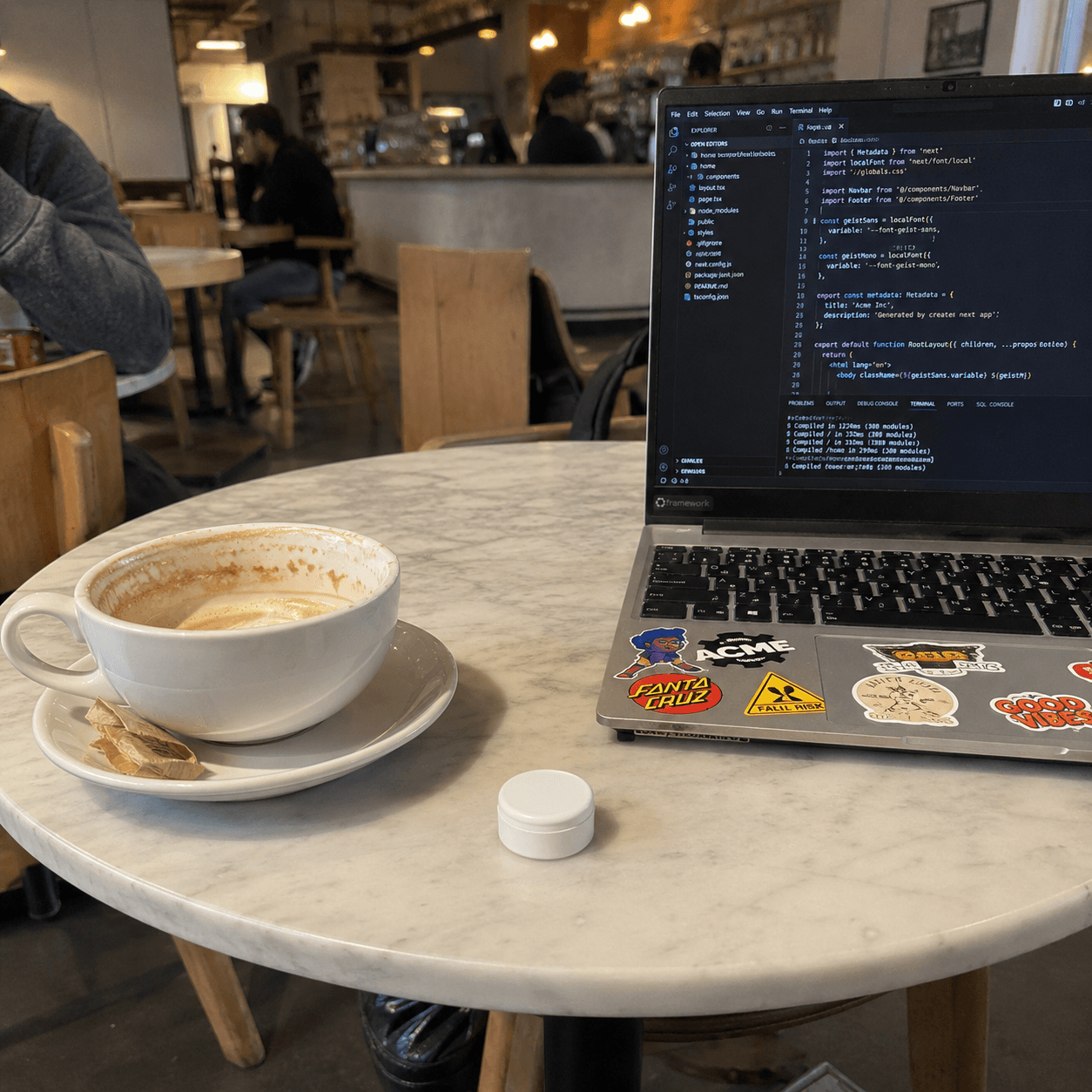
“I've tried Screen Time, Opal, Freedom, and Brick and bypassed all of them within a few weeks. I've had Propellon for about three months and haven't bypassed it once.”
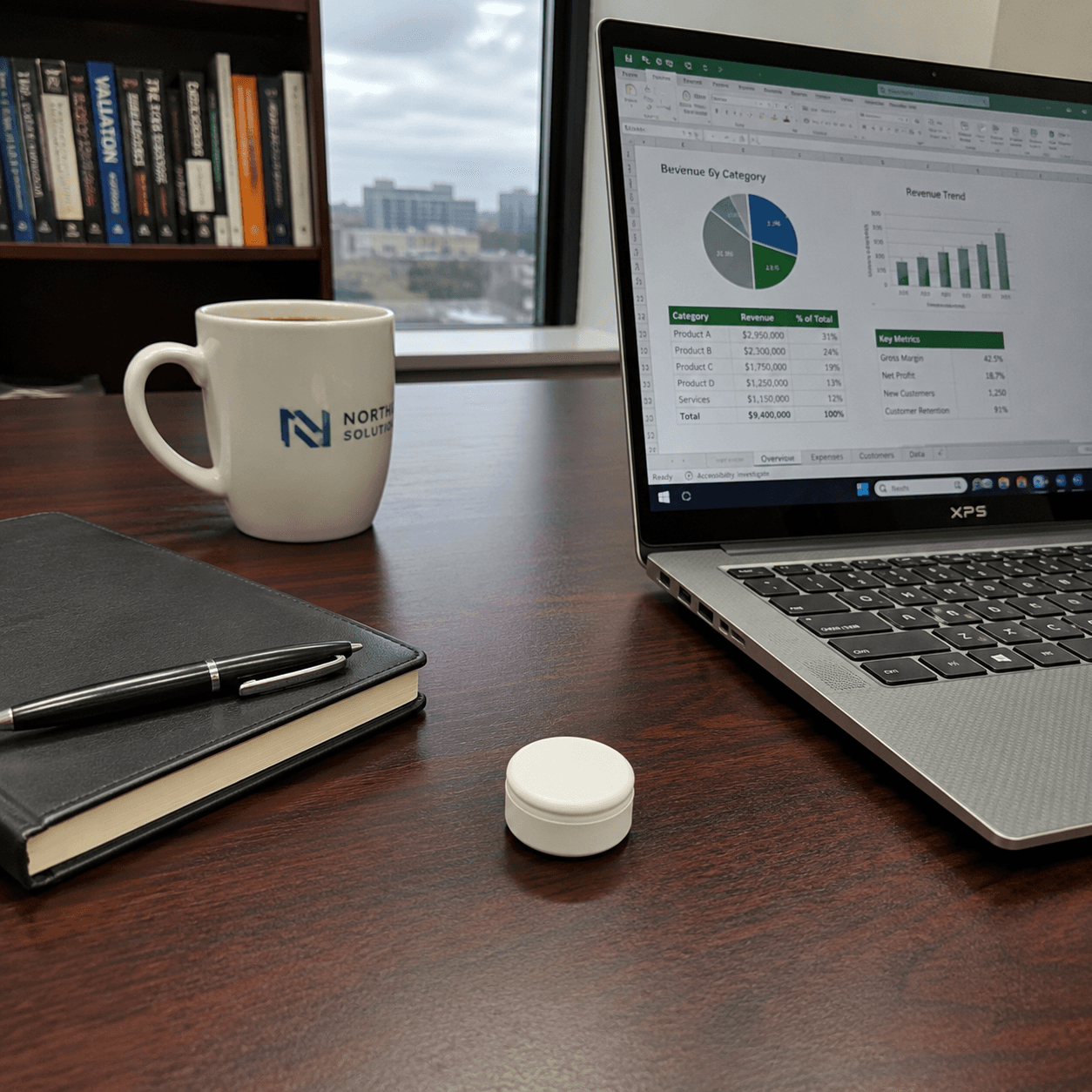
“I stopped arguing with myself every 20 minutes about whether to check my phone. That back-and-forth was exhausting and I didn't notice until it stopped.”